Popup
Adding a Popup
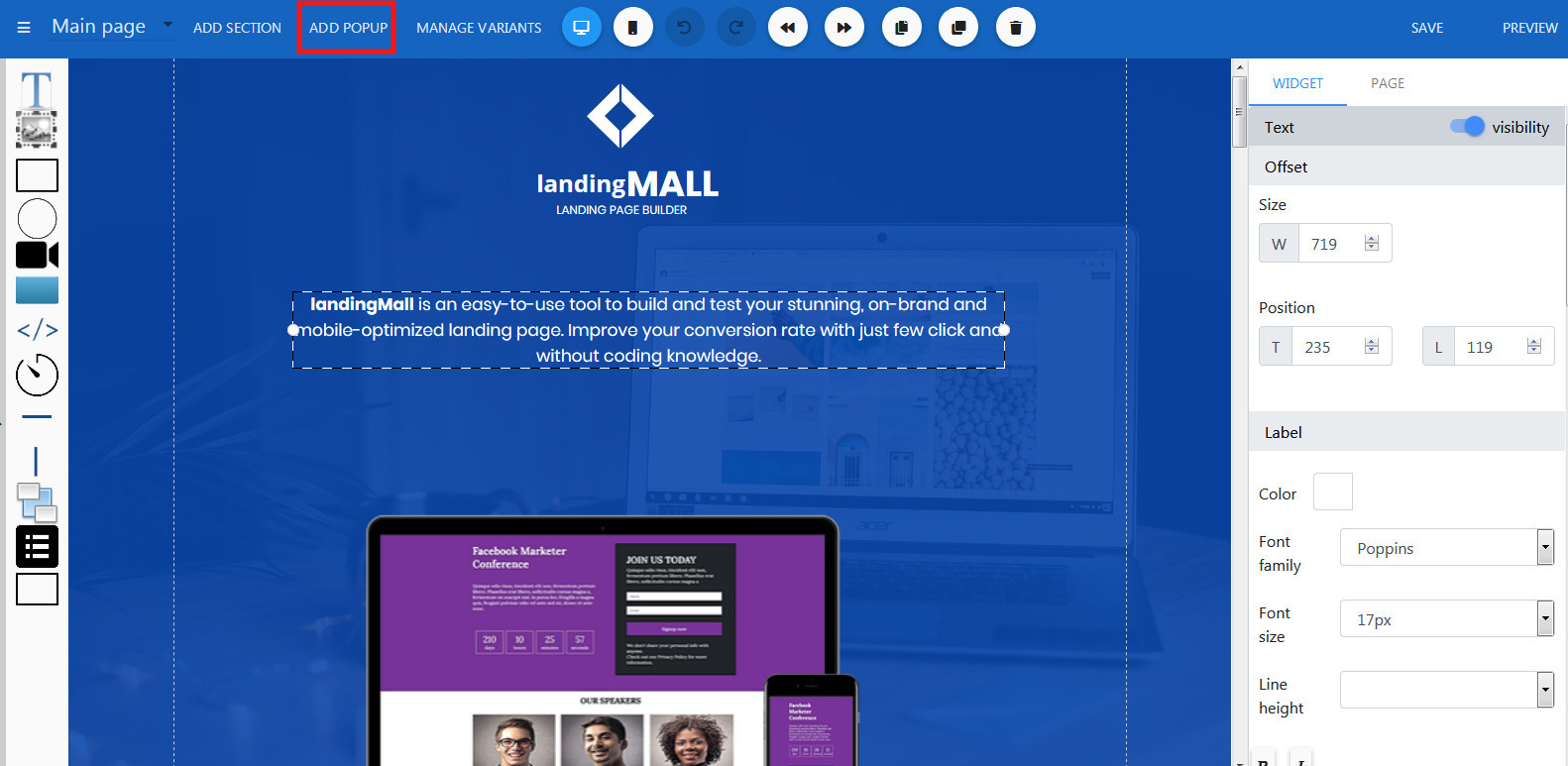
- Open the Builder, click Add Popup button located on left side of the header.
- Next, in the Templates dialog, select your prefer popup template, click Select button.
Edit a Popup
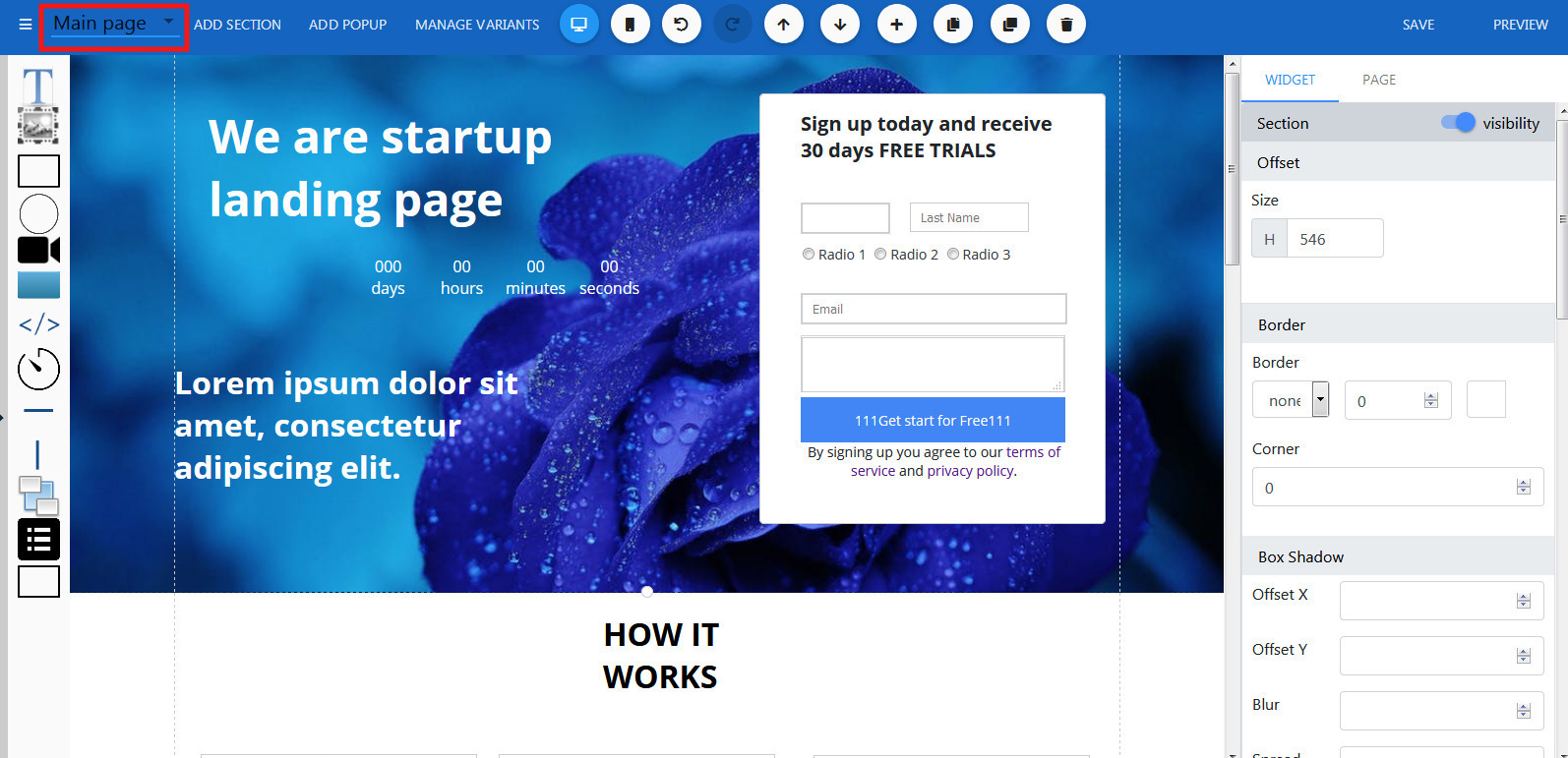
- Still in the builder, click the Page Tabs dropdown located on the header
- Select a popup on the menu dropdown.
Section Properties
Offset
Change height of the section. Border
Set border color, stroke and add a corner radius. Box shadow
Add shadow to your section. Label Properties
Set text properties such as color, font style. It will apply for every new text widget added to this section. Background
Set background color, image. Support gradient color.