Aweber
- Create an account with https://labs.aweber.com/
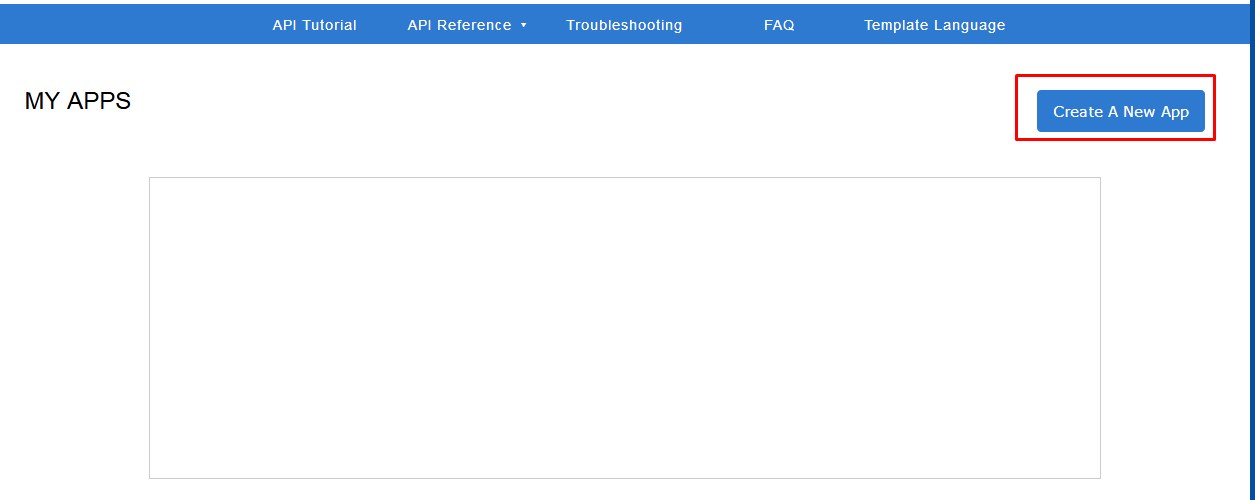
- Login with this account, click Create a New app, fill all required field and click Create new App.
- On next screen, copy the Consumer Key and Consure Secret, click Edit.

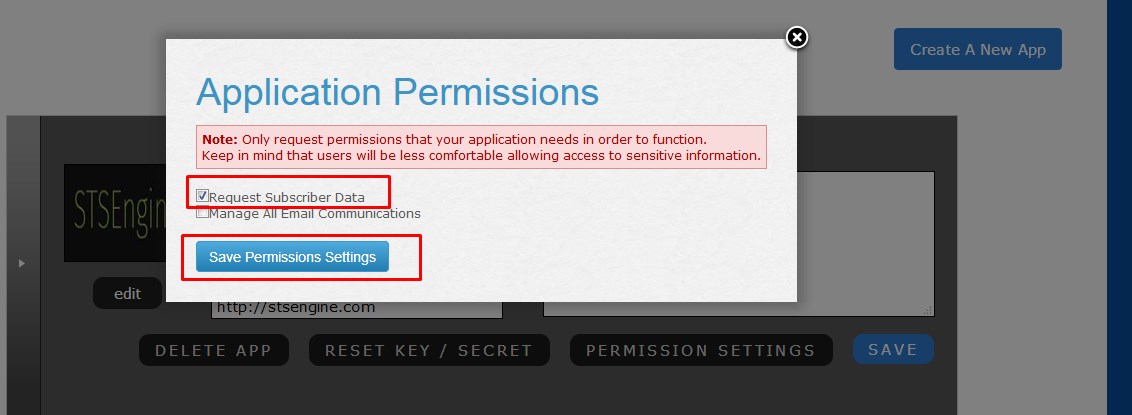
- In the App details page, click Permission Settings, select Request Subscriber Data then click Save Permission Settings

- Open Administration page, navigate to Settings->Integrations. Scroll to the Aweber form and fill required information.