Form

Adding Form Fields
- Select a Form in the Builder.
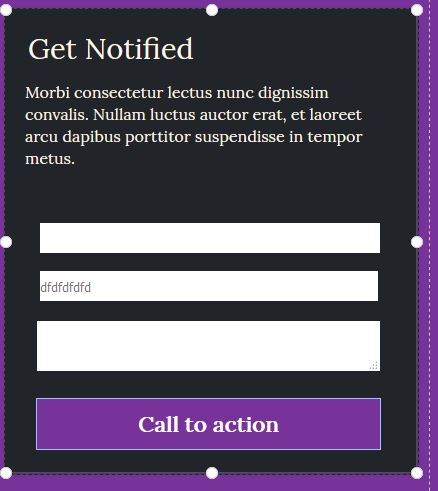
- On the right panel, scroll down to show to Form Fields section
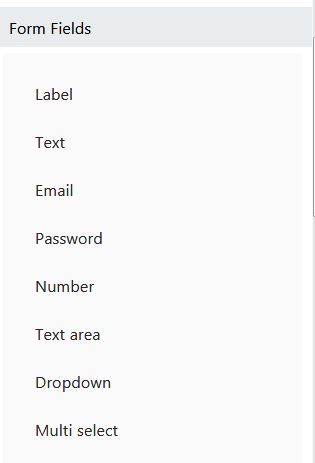
- Click on any option on the Form Fields section to add a new field to the form.
Note: Form automatic layout after insertion. Form will sorts its fields from top to bottom
Form Integrations
Form data submitted by user can be sent to 3rd party services (such as MailChimp, AWeber, GetResponse, etc.) - Select a Form in the Builder. - - On the right panel, scroll down to show to Integrations section, click Choose Provider button. .. image:: ../assets/images/form2.jpg - In the Integration dialog, click your prefer service. .. image:: ../assets/images/form3.jpg - Follow the next dialog to complete the integration.