Module
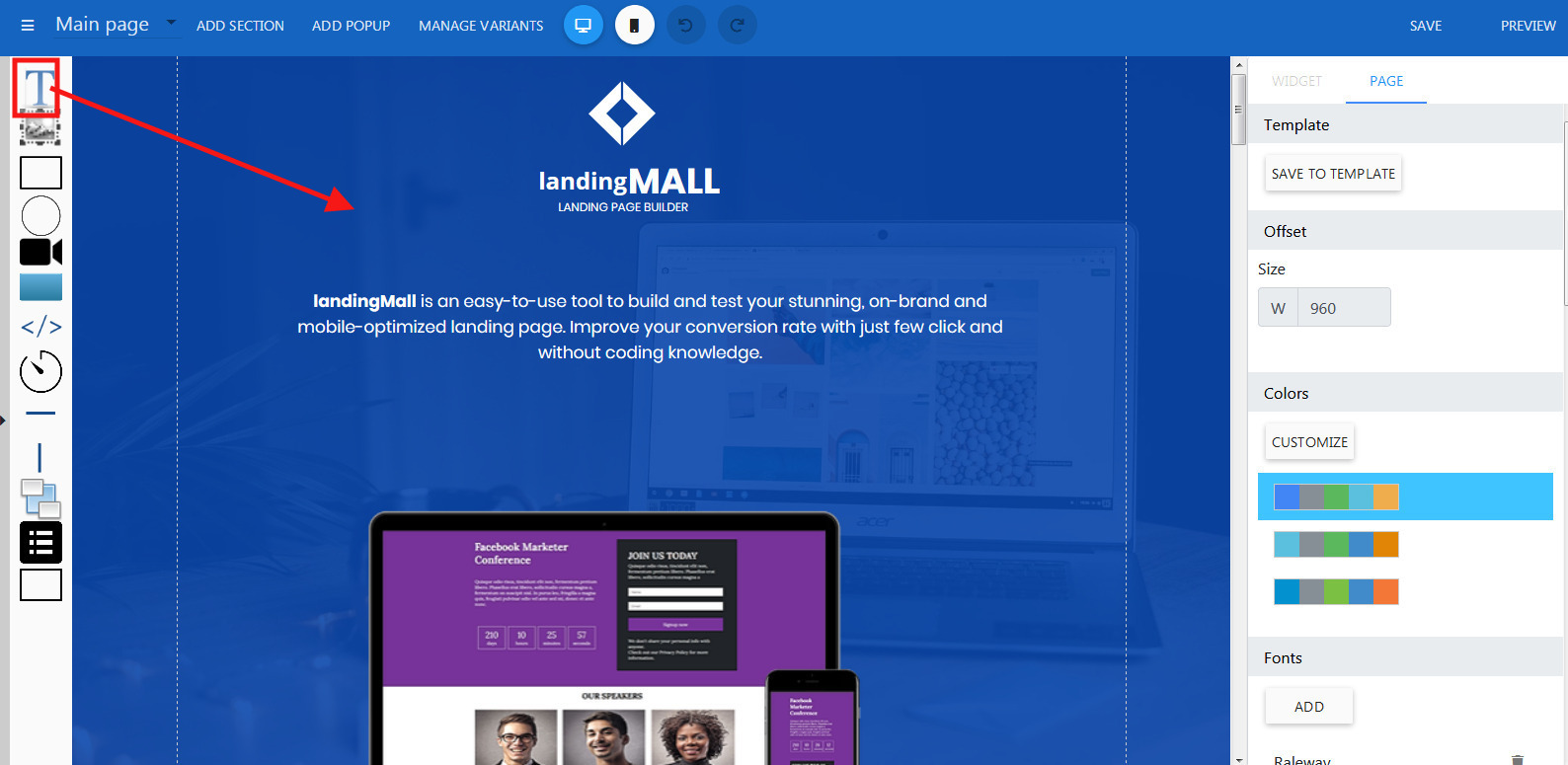
Adding a Module
- Open the Builder.
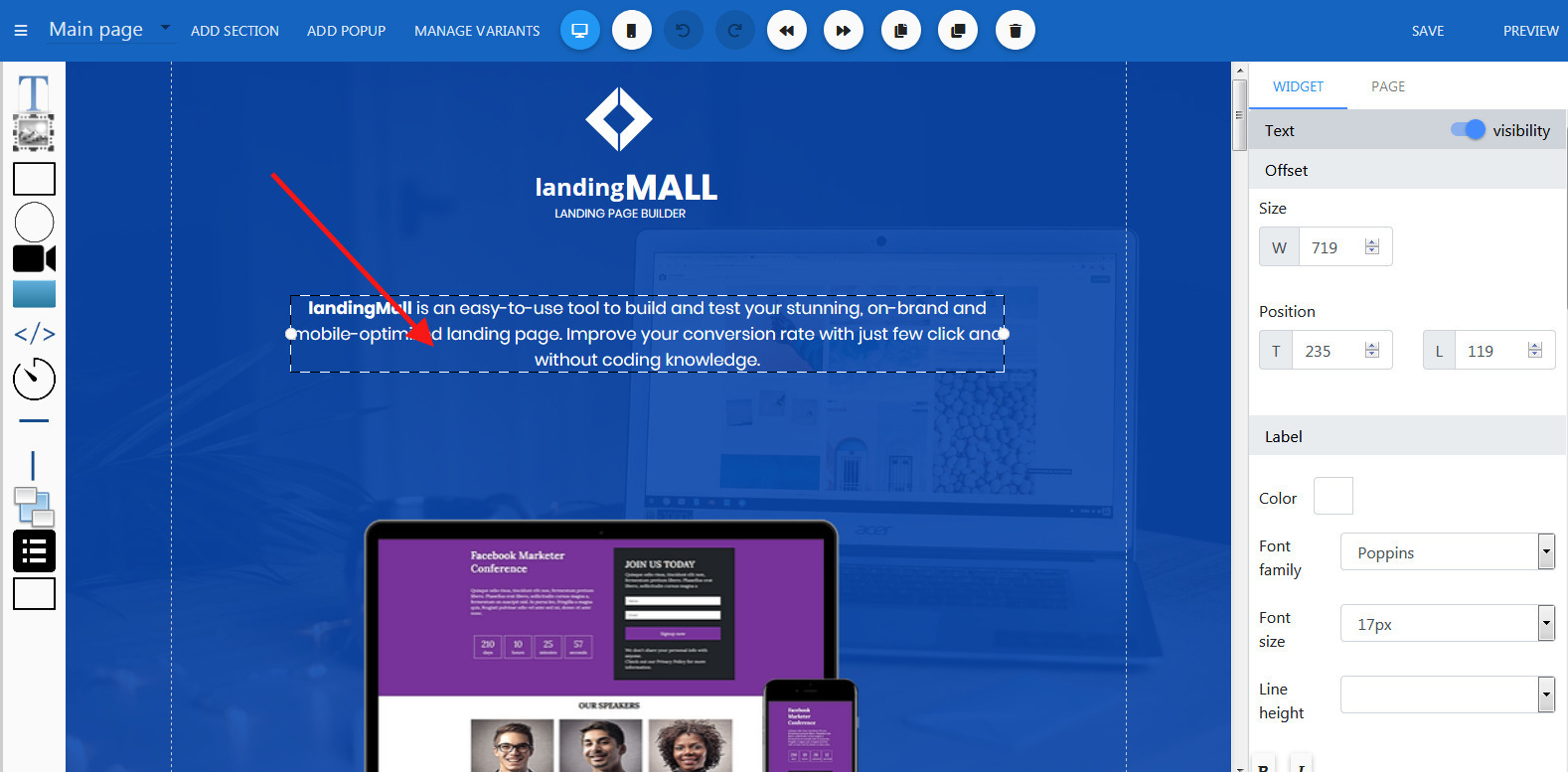
- On the left sidebar, drag a module icon in the the builder canvas.
Hide/Unhide a Module
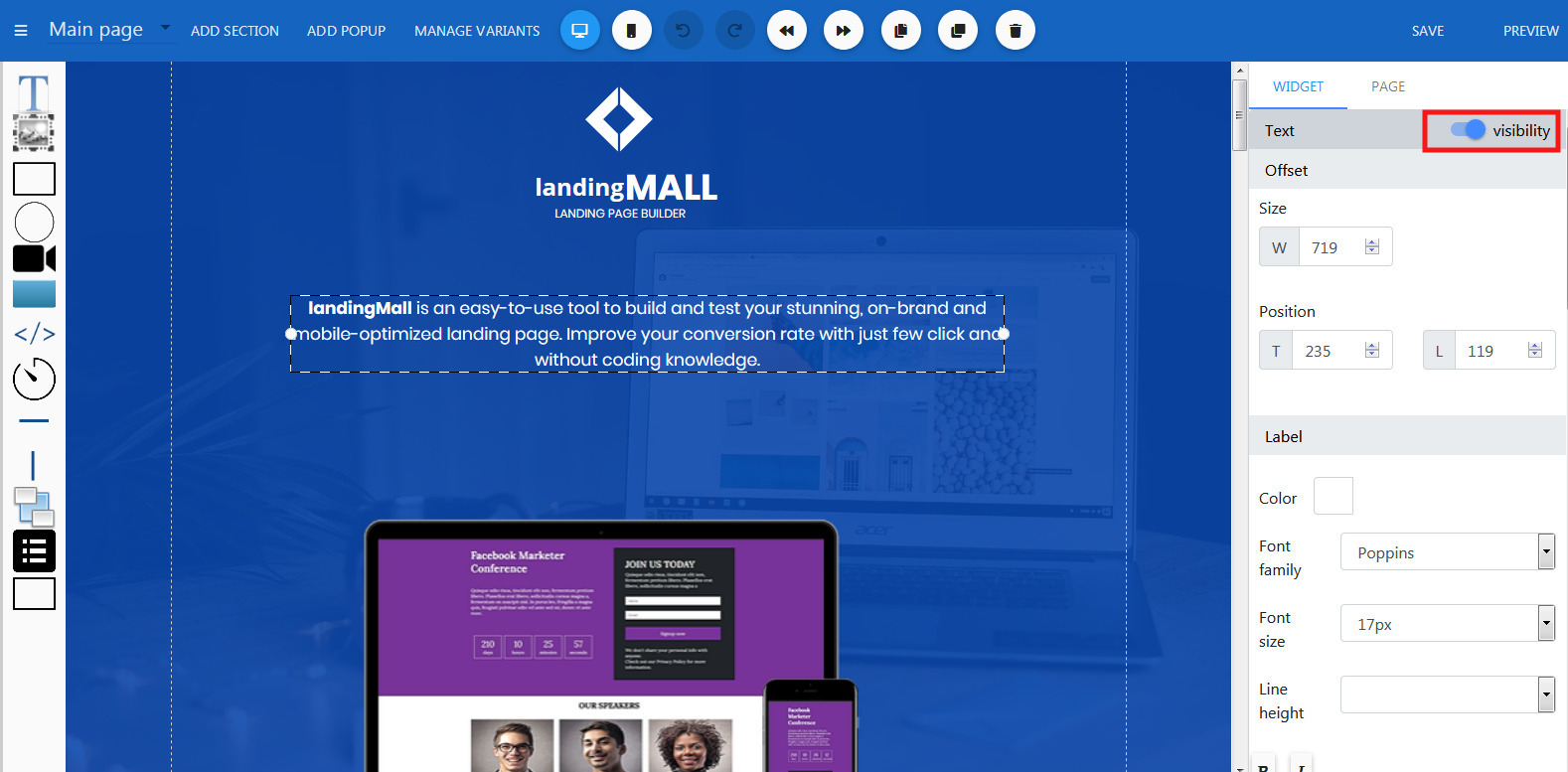
- Click to a Module to open Edit Mode, on the Module Option Box, toggle/untoggle the Visibility checkbox to hide/unhide this module.
Delete a Module
- Click to a Module to open Edit Mode. Press Delete to remove this module from canvas.