landingMall
latest
Installation
Server requirements
Creating a new database
Uploading Files
Permission
Installing
Updating
Changelog
Admin Mannual
Logging in
Templates
Landing Page
Configuration
Screenshot
Subdomain Publishing
Custom Domain Publishing
Email
CRM Configuration
Mailchimp
Saleforces
Infusionsoft(Keap)
Aweber
ZohoCRM
Hubspot
User Mannual
Loggin in/Registering
Landing Pages
Publishing & Domain names
Module
Mobile Editor
Switching to Mobile mode
Auto optimized
Section
Global Block
Popup
Form
Form Integration
CRM Configuration
Google Recaptcha
landingMall
Docs
»
Mobile Editor
Edit on GitHub
Mobile Editor

Switching to Mobile mode

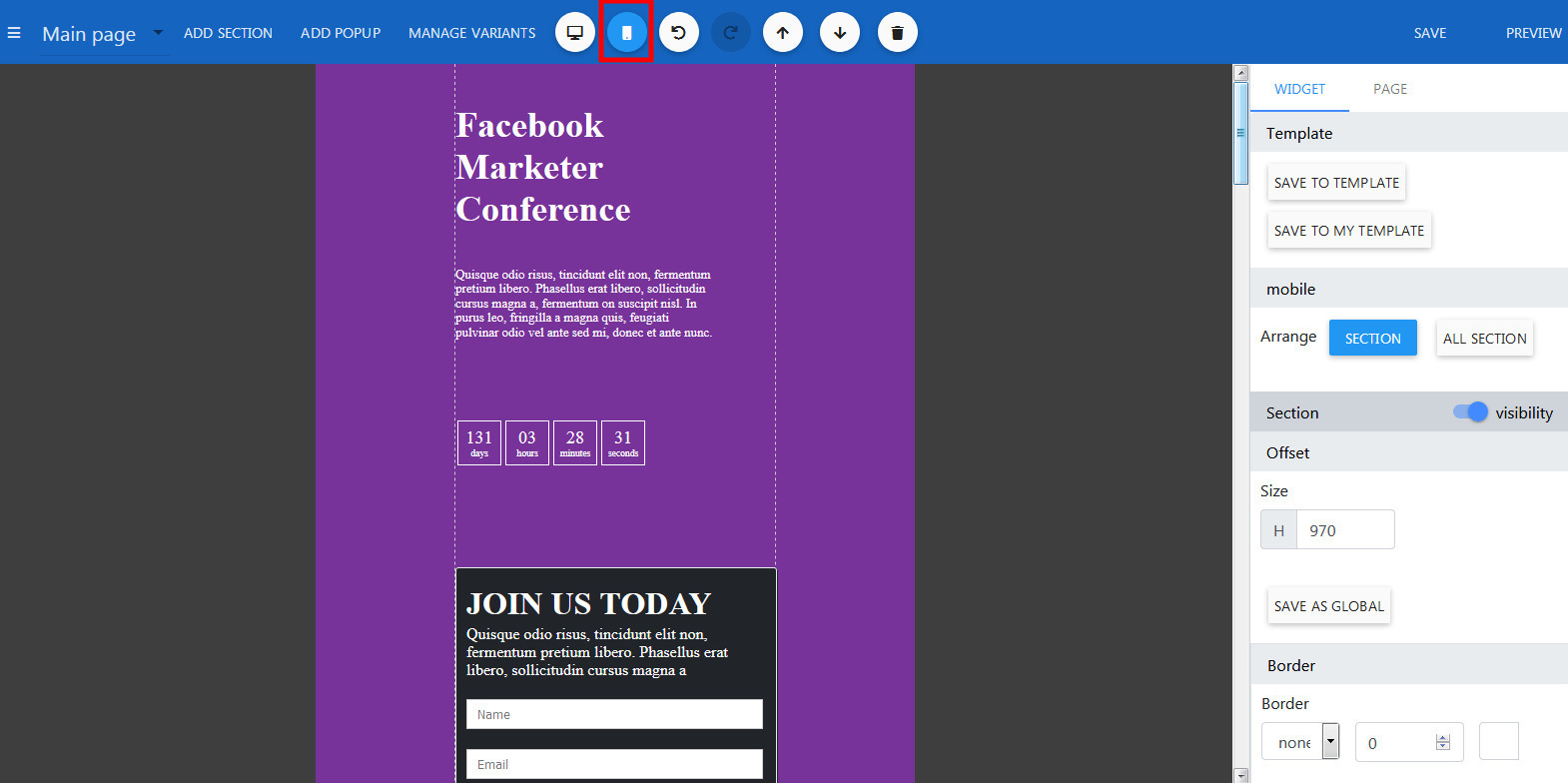
Open the Builder.
Click the mobile button on the top header.
Auto optimized

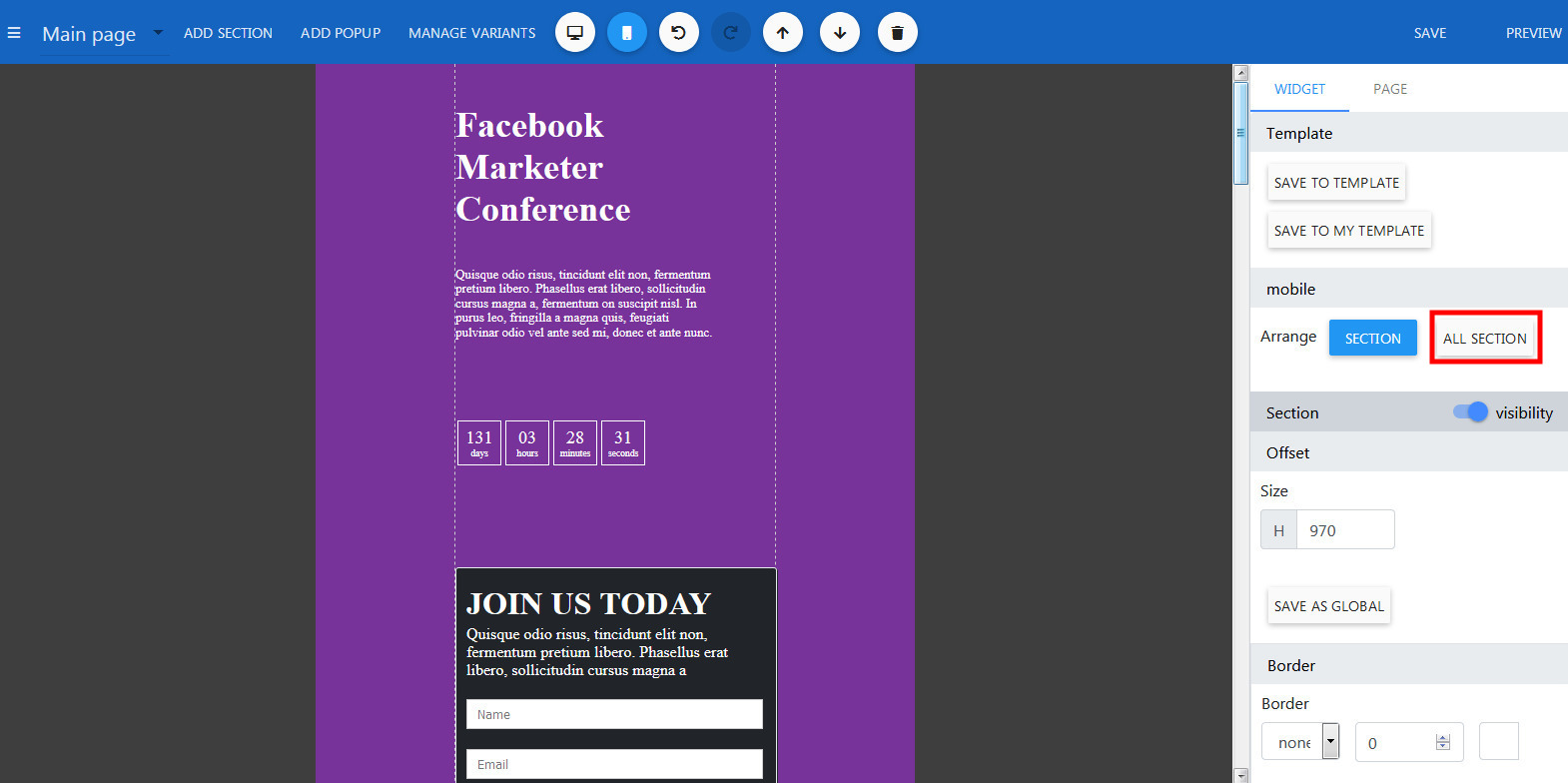
Still in the Mobile mode, click on any section.
On the right panel, click button Arrange All Section.